Bulk QR Code Generation: Create Hundreds at Once from CSV
Generate hundreds of unique QR codes in one pass from a CSV, with column mapping, shared branding, and batch operations to manage them at scale.
Creating one QR code is easy. Creating four hundred — one for every product SKU, every event attendee, or every shelf in a store — is where most teams hit a wall.
Doing it by hand means generating, naming, and downloading each code one at a time, hoping you don't mix two up. It's slow, and it's exactly the kind of repetitive work that invites mistakes. Bulk QR code generation solves this: you start from a spreadsheet you probably already have, map your columns once, and uqr.ai produces hundreds of unique, ready-to-print codes in a single pass. Here's how the workflow actually works, where it shines, and what to know about managing codes at scale once they exist.
Why bulk beats one-at-a-time
When you only need a handful of QR codes, the regular generator is perfect. The math changes fast, though. A retailer tagging 250 products, a conference printing 600 badges, or a facilities team labeling every piece of equipment can't realistically build those codes individually.
Bulk generation flips the model. Instead of starting from the design and entering one destination, you start from your data — a CSV where each row already describes a code you need. The platform reads the rows and turns each one into its own QR code, applying the same design and settings across the whole batch so everything stays consistent.
The payoff is threefold:
- Speed — generate an entire batch in one operation instead of hundreds of clicks.
- Consistency — the same colors, logo, and frame apply to every code automatically.
- Accuracy — your spreadsheet is the single source of truth, so each destination maps to exactly the right code.
Prepare your spreadsheet
Good output starts with a clean CSV. The goal is one row per QR code, with clear columns the platform can map to the right fields. Keep it simple and consistent.
A practical column layout
- Destination — the URL (or other value, like a phone number or vCard detail) the code should point to.
- Name or label — an internal name so you can find each code later, such as a SKU, attendee name, or asset ID.
- Optional metadata — extra columns like category, location, or campaign that help you organize and filter codes after they're created.
Spreadsheet hygiene that prevents headaches
- Put clear headers in the first row so column mapping is obvious.
- Make sure every destination is a complete, valid value — a full URL including https://, not a fragment.
- Keep each label unique so two codes never look identical in your dashboard.
- Remove blank rows and stray characters before you export.
- Save the file as CSV (comma-separated) using UTF-8 encoding so special characters survive.
Tip If you can build the list in Google Sheets or Excel and export it cleanly, you're ready. A few minutes of cleanup before export saves you from chasing down a broken link across hundreds of printed codes later.
How the bulk workflow works
Once your CSV is ready, the process is short and repeatable:
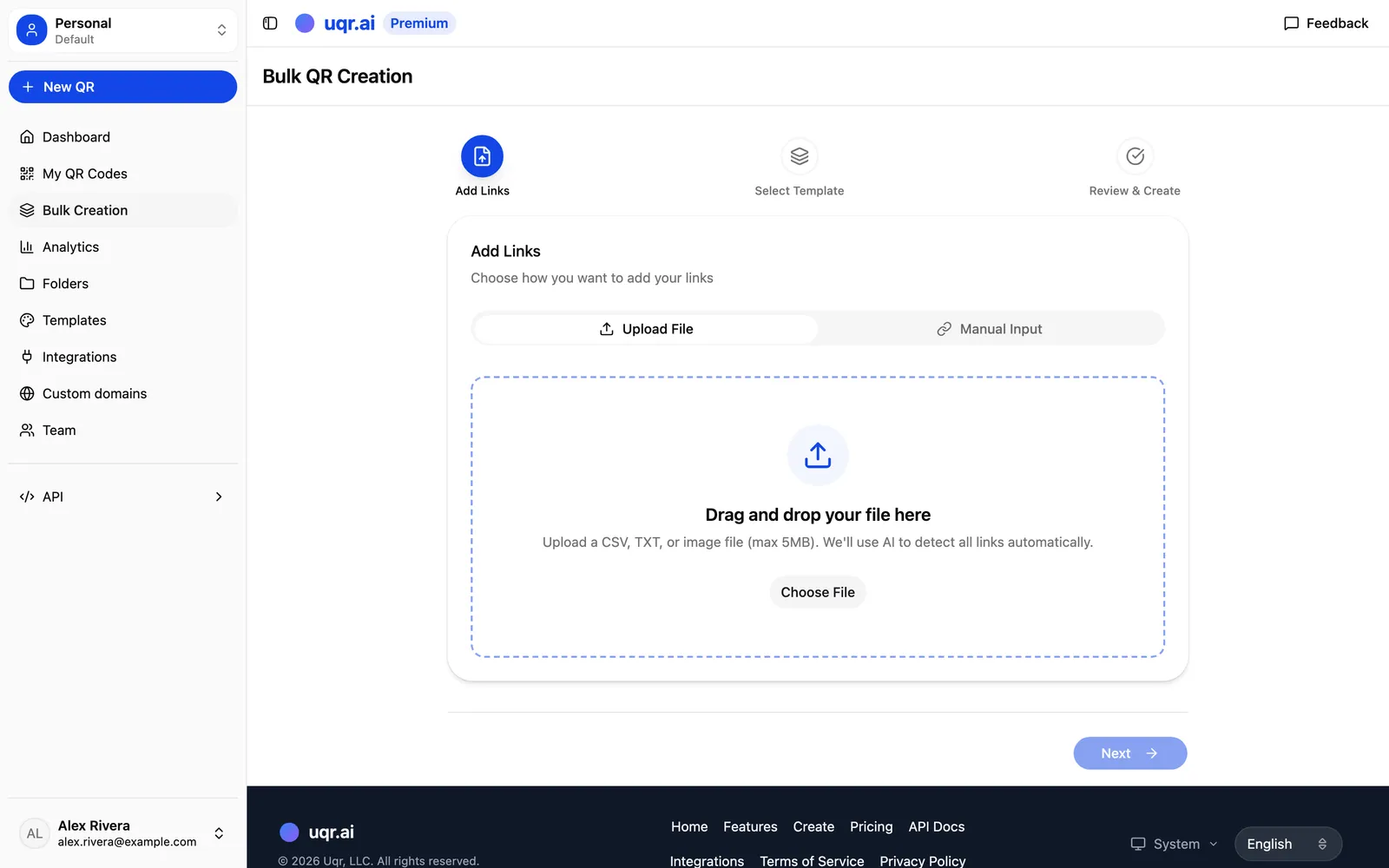
- Upload your CSV. Drop in the file you exported from your spreadsheet.
- Map your columns. Tell the platform which column is the destination, which is the name, and which (if any) are metadata. You do this once for the whole batch.
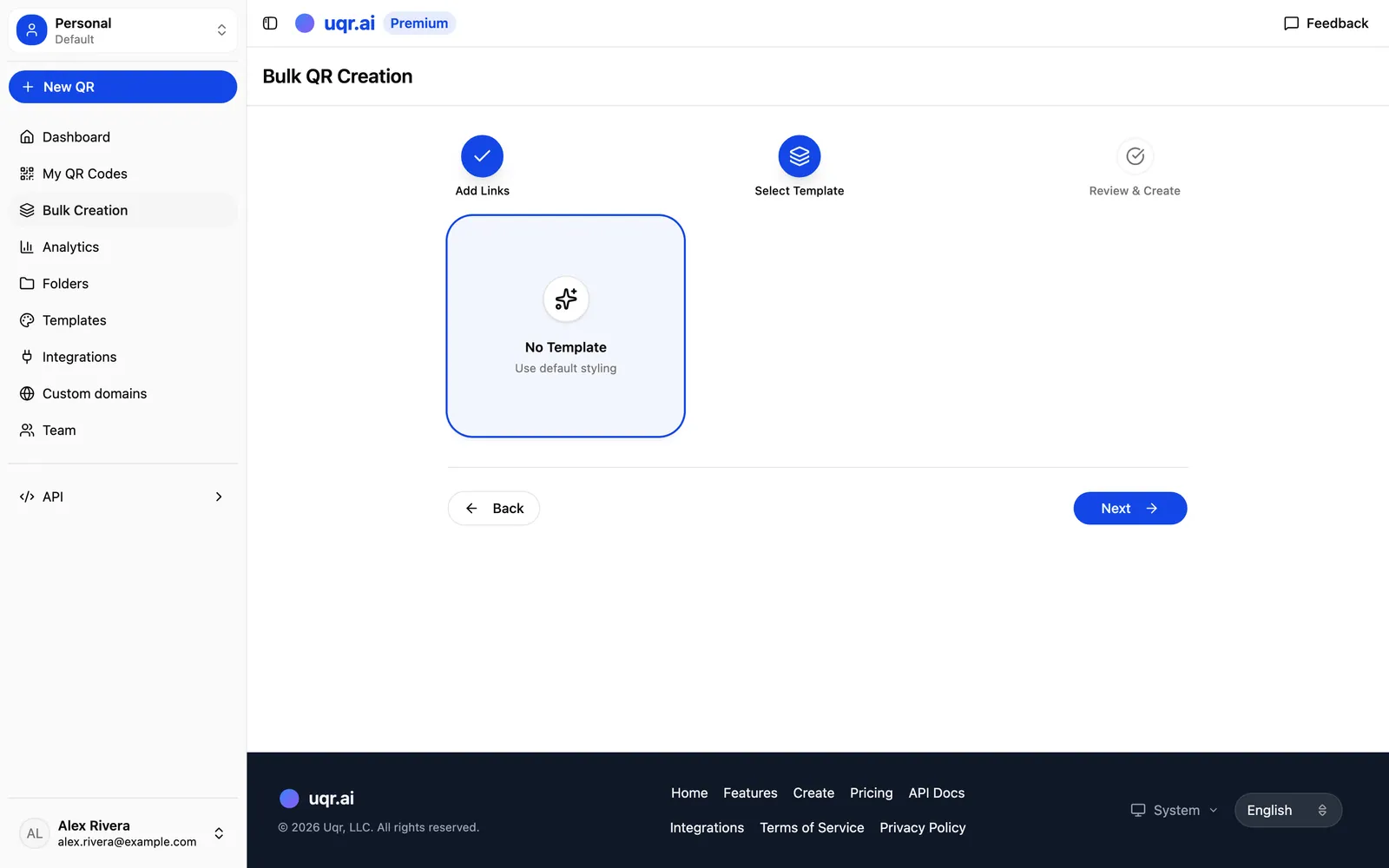
- Choose your design. Apply your colors and gradients, a center logo, a frame with a call-to-action, or a saved template — so all codes share one branded look.
- Generate the batch. uqr.ai creates a unique code for every row in one pass.
- Download and deploy. Export the codes as PNG for everyday print or SVG for high-resolution and large-format work, then hand them off to your designer, printer, or label provider.
Because uqr.ai codes are dynamic, the destination behind each code lives on the platform — not baked into the printed image. That means you can print the whole batch now and still change where any individual code points later, without reprinting a thing.
Where bulk generation earns its keep
The CSV-to-codes workflow fits anywhere you need many codes that follow the same pattern but carry different destinations.
Product labels
An e-commerce or retail team exports its product catalog — one row per SKU, each linking to that product's page, spec sheet, or how-to video. One upload produces a labeled QR for every item, ready to drop into packaging artwork.
Event badges
Export your attendee list and give each person a unique code on their badge. Point it at a personal agenda, a check-in flow, or a digital business card. With hundreds of guests, bulk generation turns a multi-day chore into a single step.
Store signage and asset tags
Generate a distinct code for every aisle, display, or promotion across a chain of locations — each routing shoppers to the right promo or product info, and swappable for the next seasonal campaign without new signage. Facilities and IT teams can do the same for equipment, rooms, or inventory, linking each code to a maintenance log, manual, or support form so a printed sticker becomes a live record you can update over time.
Here's how the same workflow maps to different use cases:
| Use case | One row represents | Each code points to |
|---|---|---|
| Product labels | A SKU | Product page, spec sheet, or how-to video |
| Event badges | An attendee | Personal agenda, check-in flow, or digital card |
| Store signage | An aisle or promotion | The right promo or product info |
| Asset tags | A piece of equipment | Maintenance log, manual, or support form |
Managing codes at scale: batch operations
Creating codes is only half the job. Once hundreds of them are live, you need to manage them just as efficiently. Batch operations let you edit, update, or delete many codes at once instead of touching each one individually.
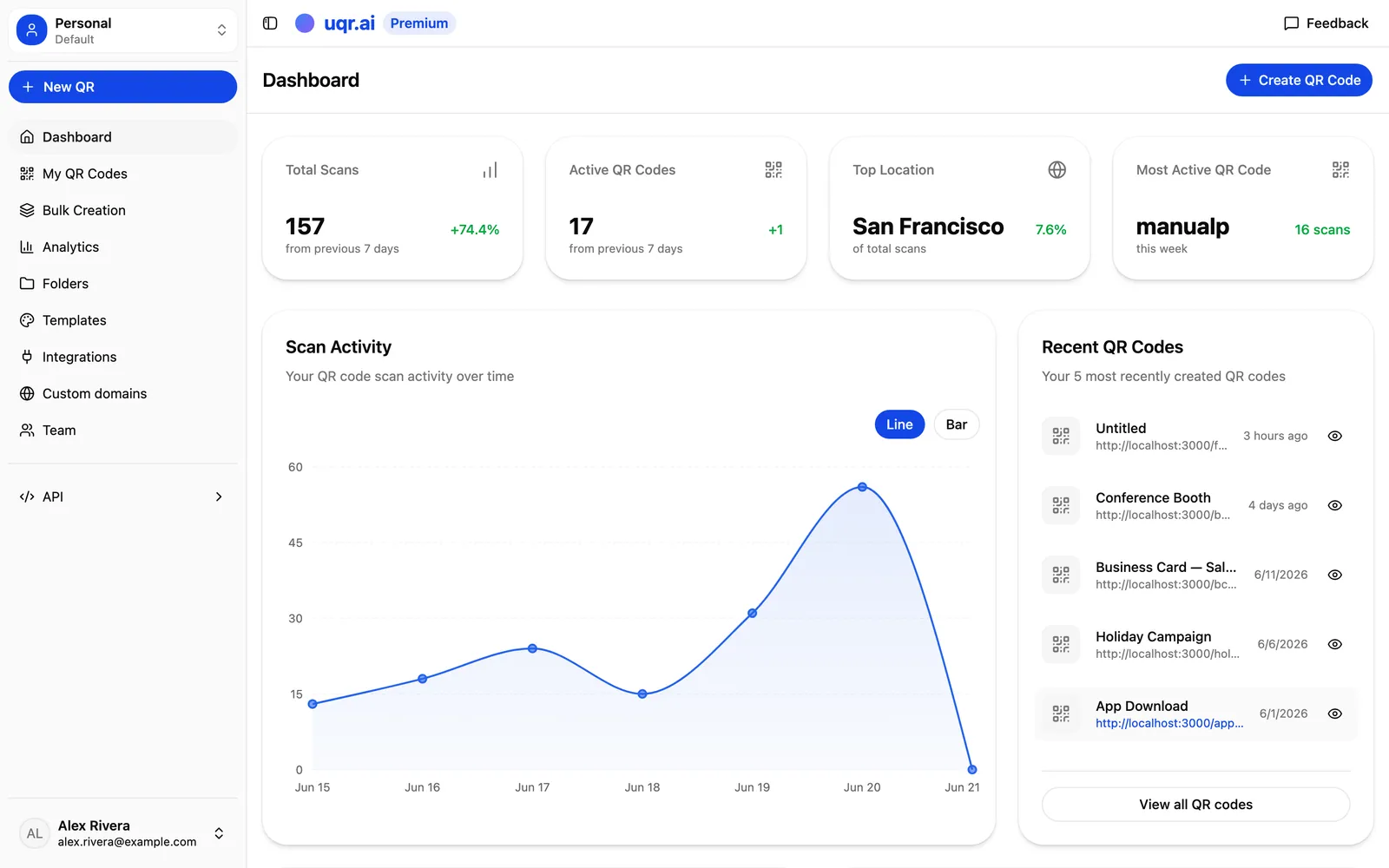
That matters when a landing page moves and a whole campaign's codes need to repoint, when a seasonal promotion ends and its codes should be retired, or when you're cleaning up after an event. Pair that with the analytics built into uqr.ai — real-time scan tracking, geographic heatmaps, device breakdowns, and CSV export — and a large batch of codes becomes something you can actually measure and steer, not just a pile of stickers.
A note on plans: bulk and API are productivity tools
It's worth being clear about what's where. Dynamic, editable QR codes work for everyone on uqr.ai, and the free plan gives you unlimited codes, unlimited scans, codes that never expire, and basic analytics. That covers a lot of everyday needs.
Bulk CSV generation, batch operations, and API access are Premium productivity features — built for the teams generating and maintaining codes in volume. Premium also adds advanced analytics with three years of history, the full range of QR types and customization, advanced controls like password protection and geolocation redirects, and team seats so colleagues can collaborate.
Note Prefer to automate creation in code? The REST API lets you create codes, manage dynamic content, and pull analytics programmatically, and Zapier and n8n integrations connect those steps to thousands of other apps.
Key takeaways
- Bulk generation starts from your data — one CSV row per code — instead of building each one by hand.
- Map your columns once, and the same branded design applies across the entire batch.
- Clean spreadsheet hygiene (full URLs, unique labels, UTF-8 CSV) prevents errors at scale.
- Because codes are dynamic, you can print now and change any destination later without reprinting.
- Bulk creation, batch operations, and the API are Premium productivity features; dynamic codes and basic analytics are free.
If you're staring down a list of hundreds of codes to create, bulk generation is the fastest way through. Start a free 7-day trial to unlock bulk creation and the API, compare all features, or create a QR code to see how the generator works first.